3D aquarium planner for planted tanks.
Scape it. See it real. Know it’ll work.
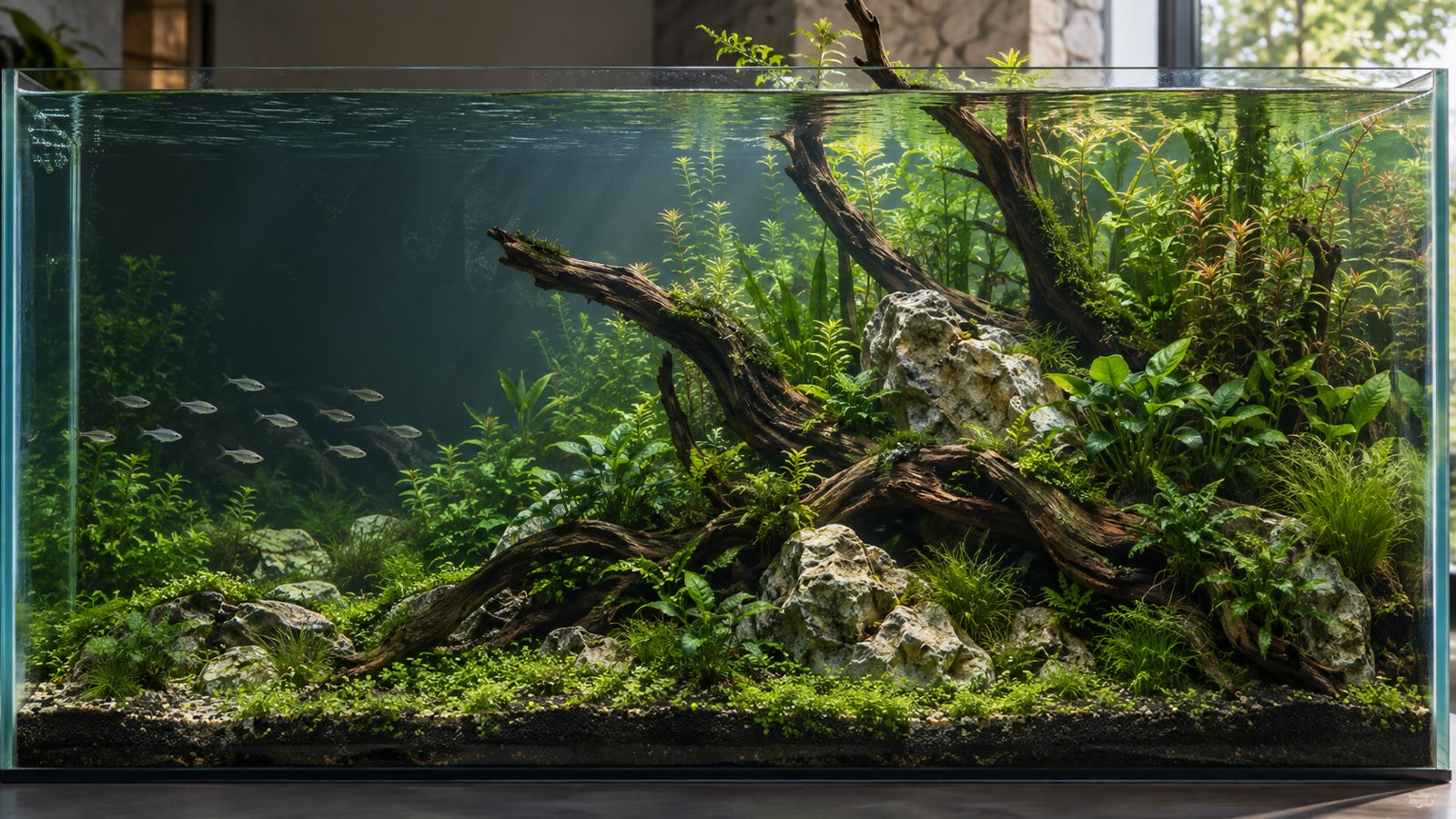
Place real rocks, plants, and fish you can actually buy. See whether they’ll work with your light, your CO₂, and your livestock — then see how it grows in at any month you pick.
How it works
Four steps, in the order you’d build the tank.
Your tank is ready
You start with the most common beginner setup. Change the size, light, or CO₂ anytime — the review and the grown-in images read from whatever you set.
Add rocks and plants
Hover anything in the library to see what it needs, choose how many, and add it — then drag it into place. Can’t find something? Tell us what’s missing.
Ask if it’ll work
Click “Review this tank”: what could harm your livestock, what won’t grow in as planned, and what to know before you buy — each with its reason, down to whether your fish will dig up the carpet.
See it real
See it grown in at whichever month you pick, from the front, an angle, the side, or above. Every image you make stays in this tank’s gallery, next to a list of what’s in it.
What’s in the library
Every plant, fish, stone and tank you can place, with what to know before it goes in.
Aquarium plants 16
Aquarium plants you can actually buy, each with the light, CO₂, temperature and placement it needs — check any of them against your tank before you order.
Aquarium livestock 8
Fish, shrimp, snails and amphibians for planted tanks, with minimum tank size, water range, temperament and whether they eat shrimp.
Aquascaping hardscape 7
Rocks and driftwood as sold for aquascaping: whether they raise KH and GH, leach tannins, sink or float, and what prep they need.
Aquarium substrates 48
Aquasoils, sands, gravels and base layers, with nutrient content, pH effect, grain size and whether they leach ammonia at first.
Aquarium tank sizes 34
Standard tank sizes and popular kits, with dimensions, volume and how much substrate they take.
What you get
Checked against your tank, not a wiki
The same plant gets a different answer in a new 60P with medium light and no CO₂ than in an established high-tech tank. The review reads your setup, what you placed, and each species’ data card, and names the condition behind every point.
See it grow in
Rules work out each plant’s height, density, and risk of melting at month N. An image model then draws on top of that — so you see your scape growing in, not a random pretty picture.
Every image is kept
Make images of the same scape at whichever month and from whichever view you pick. They all collect in this tank’s gallery, newest first, and none of them overwrite each other.
It won’t scape for you. You place it, it checks it.
Scaping is your fun and your call. This tool does three things: checks whether what you placed will work, estimates how it will grow in, and tells you what comes next. It never places a single rock for you.
- Checks One click reviews what you placed — safety first, then what won’t grow in, each with its reason
- Estimates Growth at any month, and what you’re likely to see along the way
- Points things out “You could consider…” — the call is always yours
- Doesn’t scape for you No “here are a few scapes to pick from”
FAQ
Will it scape it for me?
No. You place it, it checks it: whether it will work, how it will grow in, and what to do next. It never places a rock for you and never offers “a few scapes to pick from.”
Are the images made with AI?
Yes. Species artwork and grown-in images are AI-generated from scapes placed by hand. For a grown-in image, the rules first work out each plant’s height, density, and risk of melting at the month you picked, and the image model draws on top of that — it’s your scape growing in, not a random pretty picture.
Is it free? Do I need an account?
Placing your tank and browsing the library are free, with no sign-up. The parts that run a model — the review, follow-up questions, and grown-in images — need an account: sign in with Google or an emailed code and you get 100 free credits, enough for about 5 grown-in images or 8 tank reviews.
How reliable is the review?
It reads your setup, what you placed, and each species’ data card (light, CO₂, substrate, water parameters, and what your livestock does to plants). A model looks for problems on top of a fixed set of safety rules — temperature overlap, who eats whom, stocking — and safety points are never dropped. Every point names the condition behind it. It’s a second pair of eyes, not a guarantee; the call stays yours.
My tank isn’t a standard size, or my plant isn’t in the library?
Enter any tank size you like. For plants or animals that aren’t listed, tell us what’s missing — we add the most-requested ones first.
Does it work on my phone?
The home page and library do. The planner needs a computer; on a phone we’ll offer to send the link to yourself.
Where is my data stored? Can I delete it?
Your tanks, saved items, custom items, and photos are stored on our server and only used to check your tank and make its images. You can delete your account and data at any time. If you want a copy of your data, contact us and we’ll send it to you.